
Claude Cowork
The native desktop agent that turns Claude from a chatbot you talk to into a colleague that works alongside you - on your files, your apps, and your schedule.
Most teams are using 10% of what Cowork can do.
Cowork looks like another chat window. It isn't. Under the hood it's the same agent that powers Claude Code, wrapped in a UI that any non-technical operator can use. Once you understand the primitives - workspace, memory, connectors, skills, scheduled tasks - Cowork stops feeling like a tool and starts feeling like a teammate.
What Cowork actually is
How it differs from Claude Chat and Claude Code, and why that matters.
Every feature, one slide each
From workspace folders to dispatch - the full primitive set in plain English.
10 enterprise-grade use cases
Real workflows finance, sales, legal, and ops teams are running today.
One agent, three doors.
Anthropic ships the same underlying Claude agent across three modes inside one desktop app. They share a model, a runtime, and a connector layer - but each is tuned to a different person.
Claude Chat
The familiar chatbot. Cloud-hosted. Great for shower-thoughts and one-off Q&A.
20 files / 30 MB per upload. Output stays in the chat window.
Claude Cowork
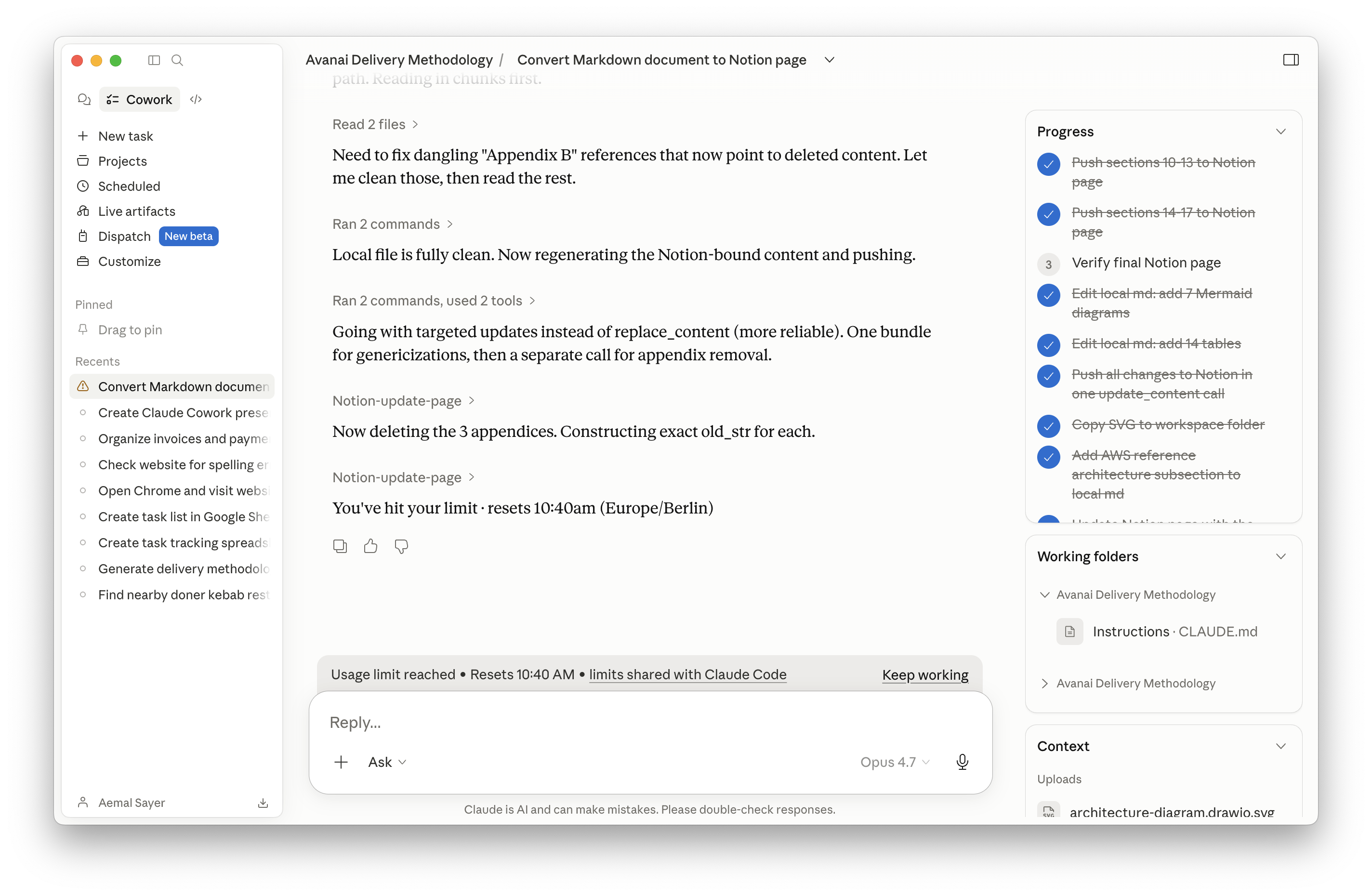
The native desktop agent. Reads & writes your local files. Remembers across sessions. Connects to your stack.
For operators, founders, knowledge workers - non-technical or otherwise.
Claude Code
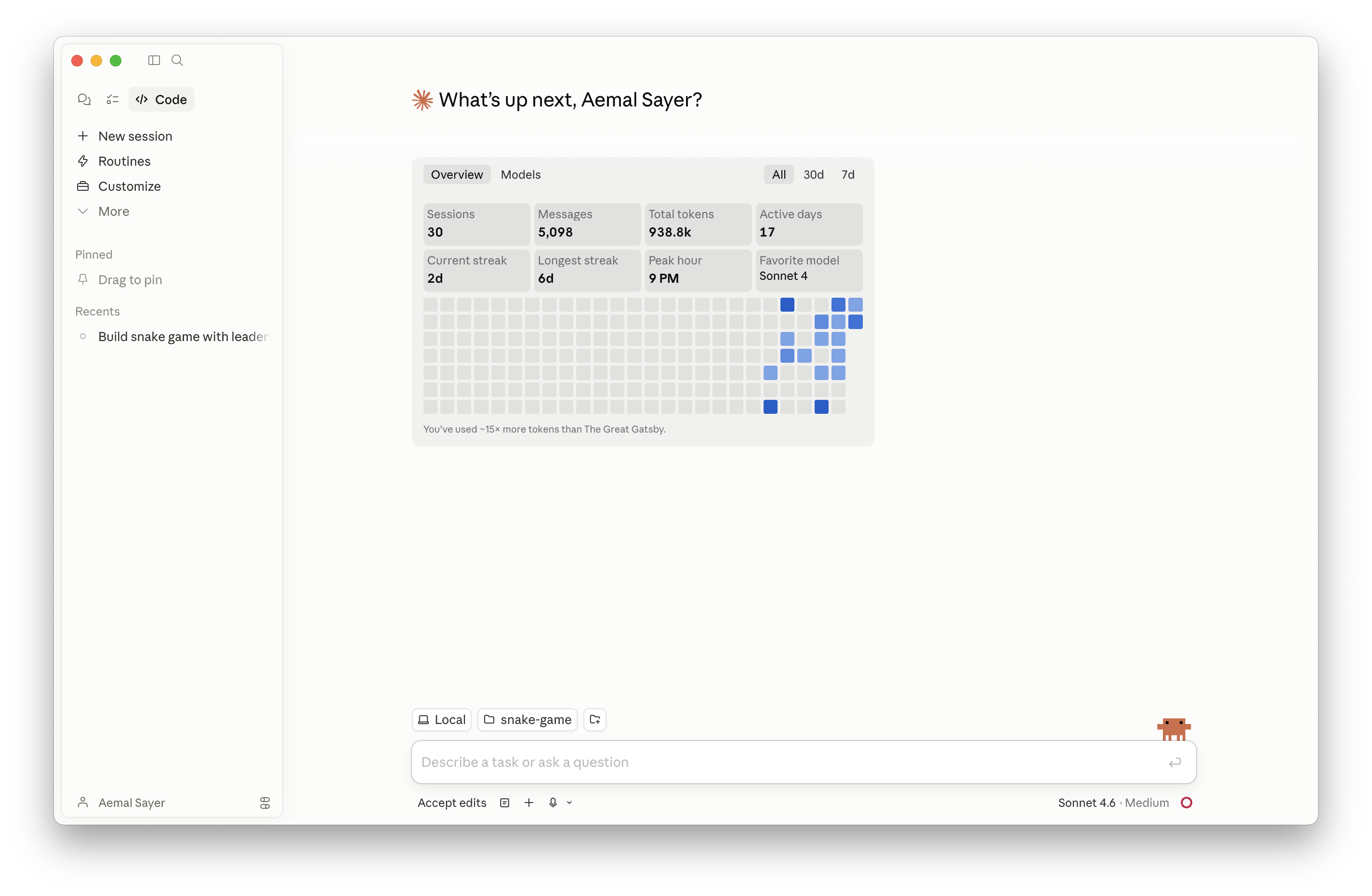
The terminal-native coding agent. Maximum customization, hooks, sub-agents.
For engineers shipping production code; powers Cowork under the hood.
The capability gap, one row at a time.
Stop prompting. Start delegating.
Chat rewards task-first language: "review my photos and recommend a naming convention." Cowork rewards outcome-first language: "I have 15 photos in this folder, I need them organized into subfolders by topic with descriptive filenames." You define the result and the constraints. Cowork executes.
Chat-style prompt
- "Can you look at my receipts and tell me what to do?"
- You read the answer, then do the work yourself.
- Output lives in a chat window you'll lose tomorrow.
Cowork-style prompt
- "In the receipts folder, build an Excel with date, vendor, category, amount + totals row. Flag anything blurry."
- Cowork reads every receipt, extracts data, writes the file, flags exceptions.
- Output is a file in your folder - and the workflow can become a reusable skill.
A general-purpose agent with your institutional knowledge baked in.
Cowork isn't a productivity hack. It's a substrate: every conversation, every skill, and every connector compounds into a system that knows your business better month over month.
The Deep Dive
Every primitive in Cowork. Workspace through Dispatch.
Folder-scoped access to your computer.
Cowork starts every session by mounting a folder you choose. It can read, write, rename, and organize anything inside that folder - and nothing outside it. Files never leave your machine.
Opt-in by folder
You grant access per folder. "Always allow" remembers it for next time.
Hard sandbox
Files outside the mounted folder are invisible - even drag-drops from Downloads.
Deletion protection
Destructive actions prompt for confirmation. Guardrails are configurable.
Describe the deliverable, not the steps.
Define the end state, the constraints, and the quality bar - Cowork plans the rest.
A notebook your agent checks every morning.
Two simple markdown files do the heavy lifting. CLAUDE.md holds standing instructions
for a folder or project. memory.md is the running log Cowork writes to as it learns
your preferences, decisions, and corrections.
CLAUDE.md - the rules
Loaded at the start of every session. Who you are, your folder map, naming conventions, safety rules, output preferences. Plain text - no special format.
memory.md - the log
Append-only. Captures corrections you give Cowork ("never sign off with 'best'"), context from past sessions, and project decisions. Survives restarts and machine moves.
One identity, every session.
Settings → Cowork → Global instructions is a permanent system prompt that applies to every Cowork session, regardless of folder. Use it for your role, your tone, your safety rules, and the universal "always do this, never do that" guardrails.
Use globals for…
Tone of voice · British/US spelling · "ask before deleting" · "always plan first, then execute" · pointer to your About-Me folder.
Use CLAUDE.md for…
Project-specific rules · folder map · client-specific tone · approval workflows · which connectors to use here.
A separate brain per workstream.
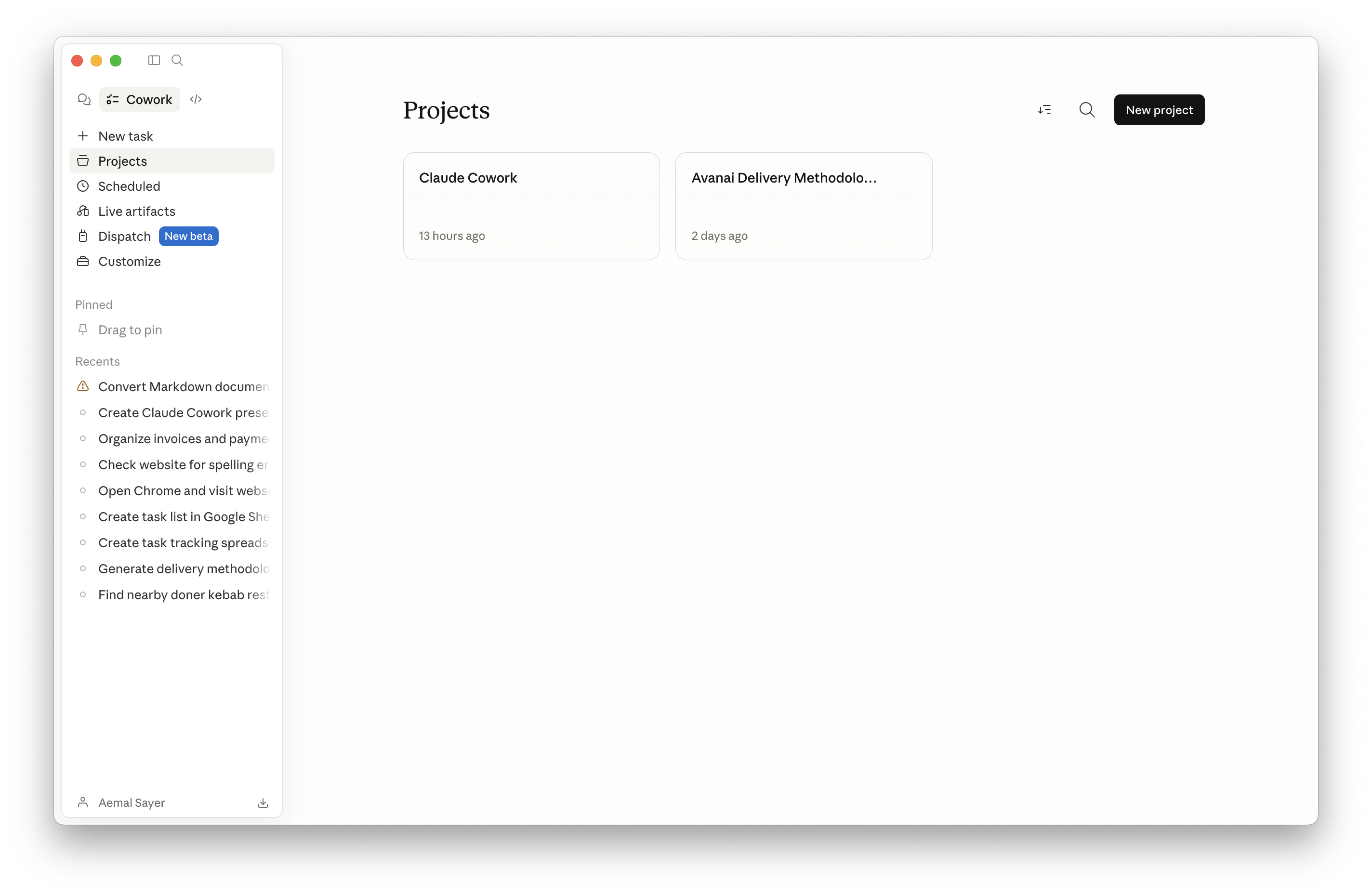
A Project is a folder + its own memory + its own instructions + its own scheduled tasks + its own connectors. Stop blending your YouTube planning with your Q4 close. Spin up a Project per client, per workstream, or per team.
Per-client workspace
Client A, Client B, Client C - each with their own brand voice, deliverables, contracts.
Per-team workspace
Finance, RevOps, Legal, Marketing - each with their own connectors, skills, and reporting cadence.
Per-program workspace
Quarterly planning, board reporting, an active M&A diligence - short-lived, high-context Projects.
~1 million tokens of working memory.
Roughly the equivalent of a full novel of context per conversation. Long meeting transcripts, multi-doc reviews, sprawling codebases - all stay loaded. When the desk fills up, Cowork compacts the conversation rather than dropping it.
Everything Claude can see.
Cowork ingests text, PDFs, images, screenshots, and charts natively. Drop a folder of receipt photos, a stack of contract scans, or a competitor screenshot - Cowork reads, extracts, and acts.
PDFs
Multi-hundred-page docs, contracts, statements.
Images
Receipts, whiteboards, UI screenshots, infographics.
Spreadsheets
XLSX / CSV - read, transform, write back.
Office docs
Word, PowerPoint, and Markdown round-trip cleanly.
Live information, in-line with the workflow.
Cowork can search the web mid-task - pulling pricing, regulatory updates, news, or reference docs and folding them into the artifact it's producing. Combine with the Chrome extension to actually navigate, fill forms, and lift content from authenticated sources.
- Knowledge cutoff is May 2025 - web search keeps responses current.
- Pulls into the same context window as your local files, so research lands next to your draft.
- Cite-able: surface URLs in the output so reviewers can verify.
A "take your time" mode for the hard ones.
Toggle extended thinking when the task involves planning, multi-step reasoning, or trade-offs. Cowork takes longer but produces dramatically better plans - and on the right model, the smarter run uses fewer tokens overall, not more.
Use it for
Strategic plans · contract analysis · architecting a new system · diagnosing a complex bug · synthesizing many sources.
Skip it for
Quick rewrites · simple file moves · single-file edits · summarizing a single email.
Outputs that aren't just text.
Cowork can render structured outputs - interactive HTML dashboards, charts, mini-apps, comparison tables, slide decks - directly in the conversation. The deck you're reading now is an artifact-style output: HTML, CSS, and JS produced from a single prompt.
Dashboards
KPIs, pipelines, project status - interactive HTML.
Documents
Word, PDF, Markdown - fully formatted, ready to send.
Decks & reports
Branded HTML or PPTX from a script or transcript.
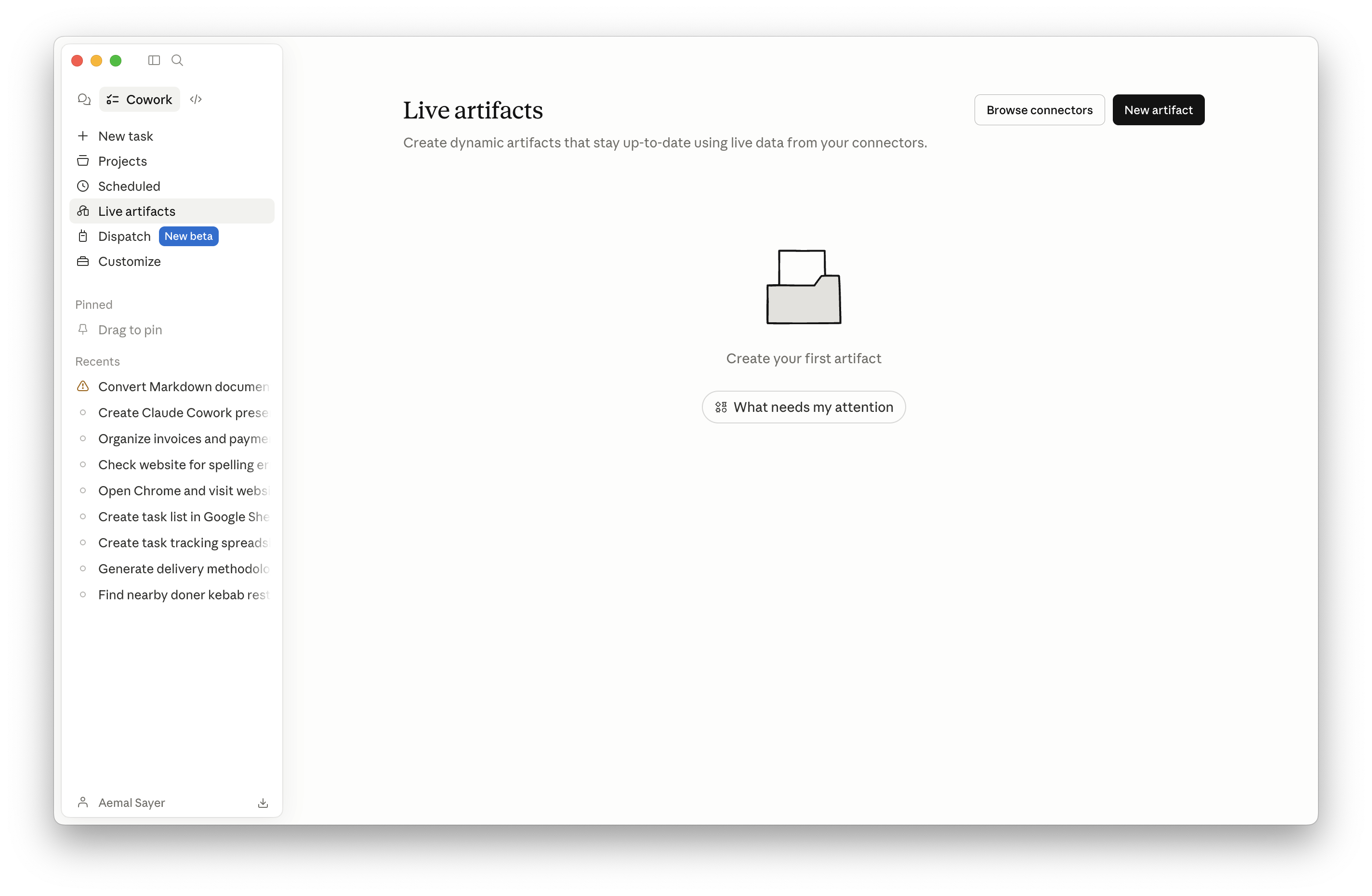
Dashboards that refresh themselves.
A Live Artifact is an HTML page that calls your connectors every time it opens. Build a Stripe revenue dashboard once; it pulls fresh numbers every time you click it. Build a meeting prep view once; it shows your next meeting, every time.
Personalized software, on demand
Each artifact is a tiny app you didn't have to build, deploy, or maintain.
Pinned in the sidebar
Surfaces alongside your tasks. One click to a fresh view.
Cheaper than a scheduled task
Refreshes on open instead of burning tokens hourly.
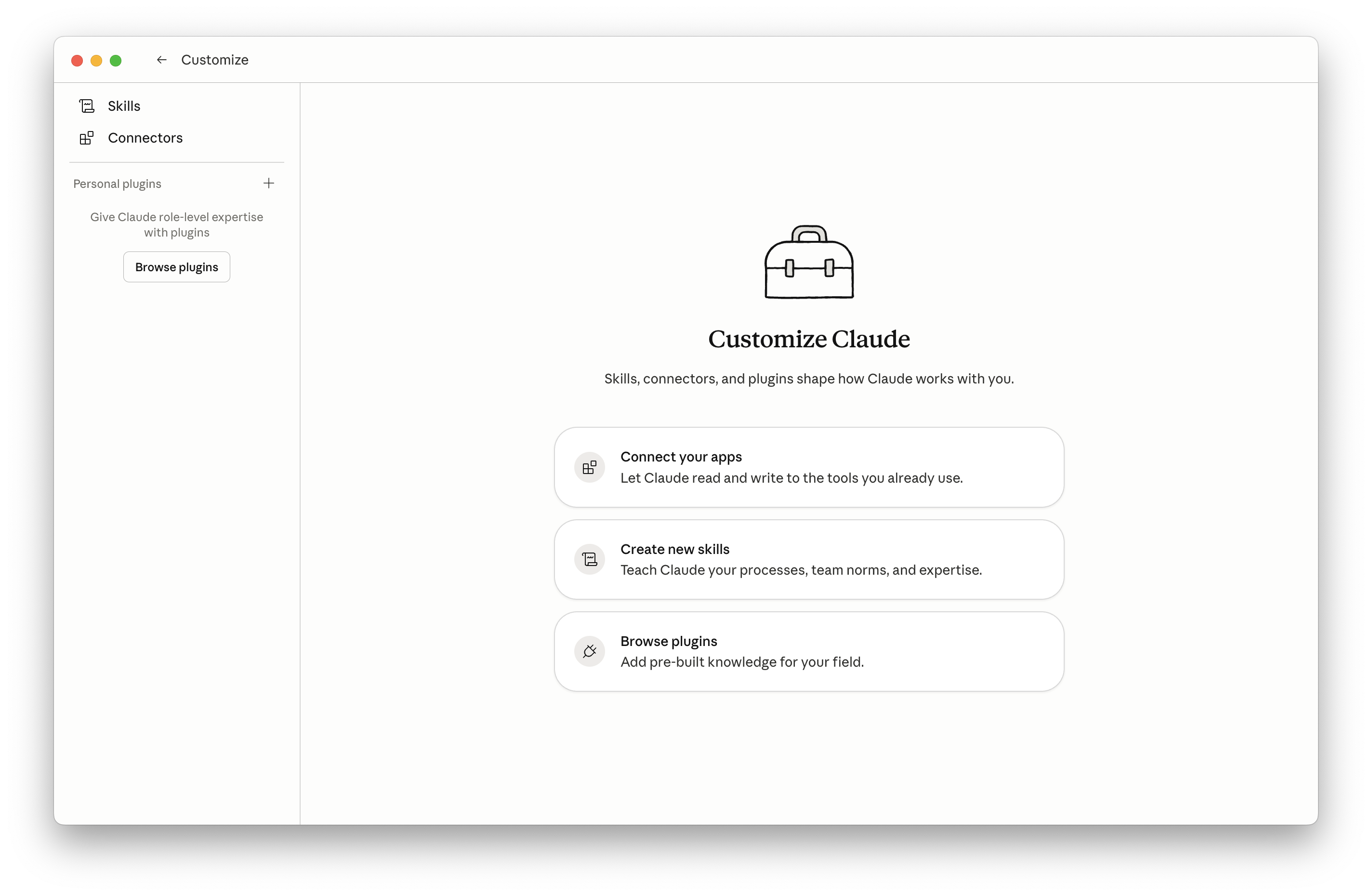
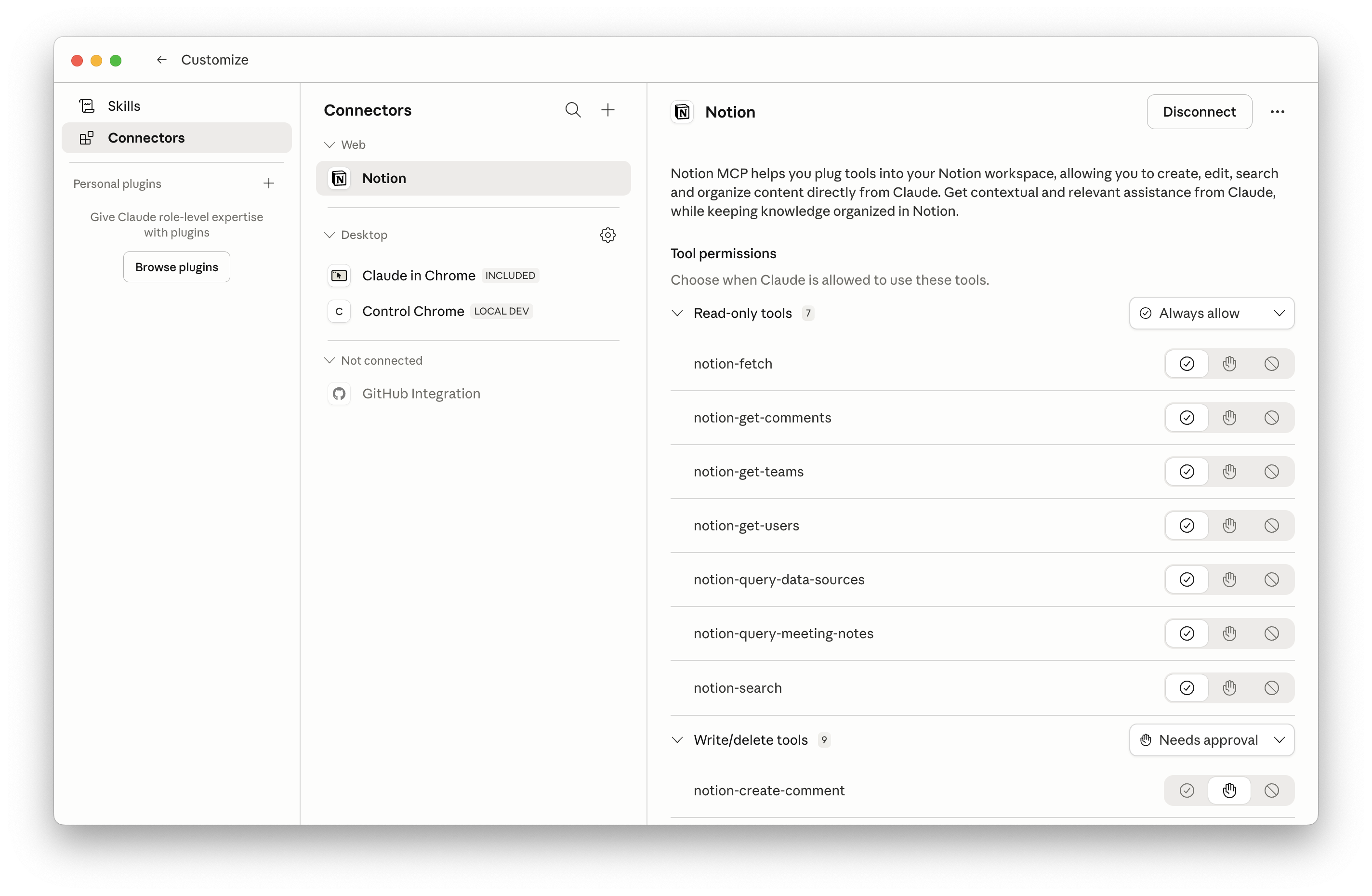
Reach into the tools your team already uses.
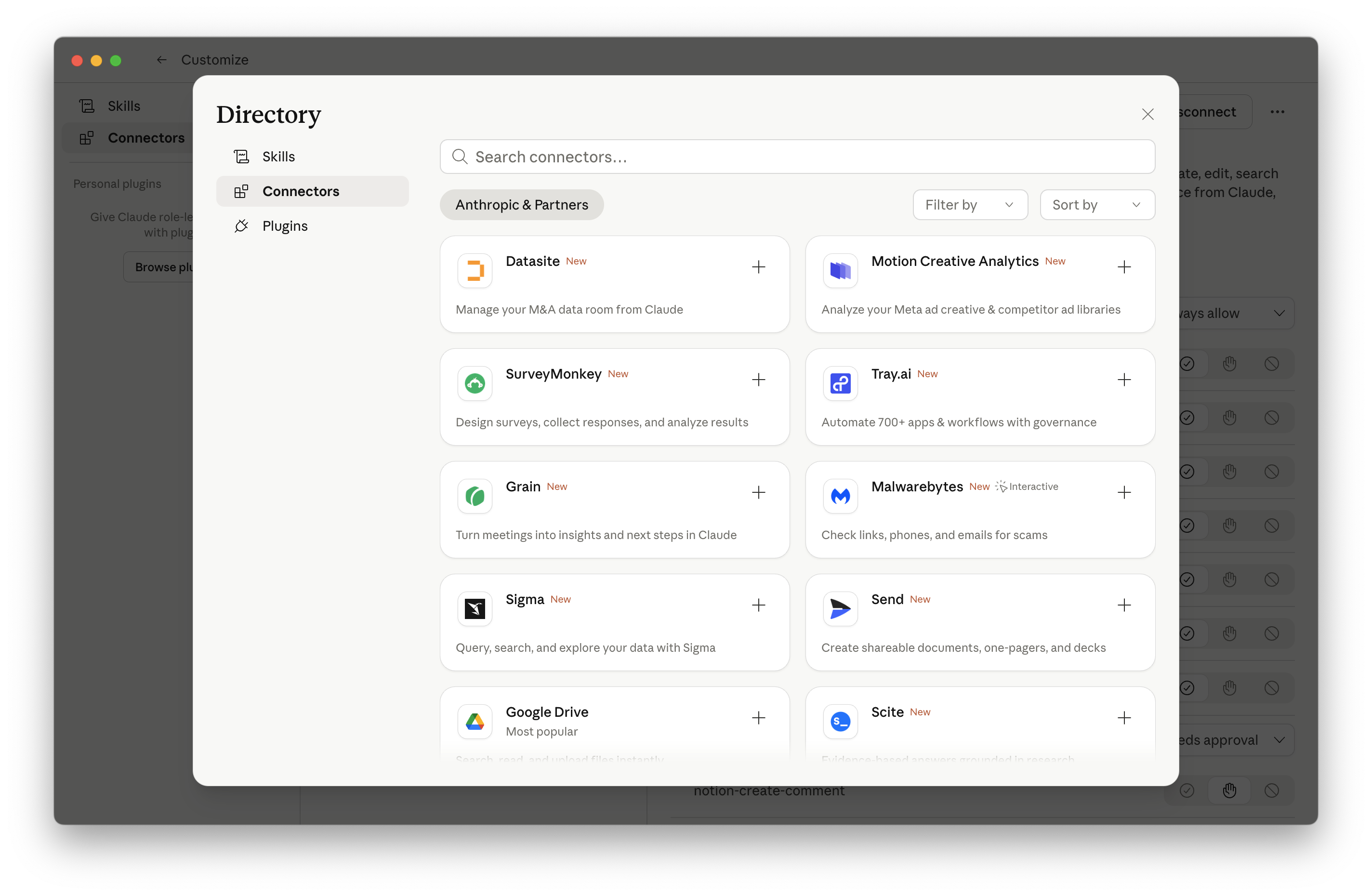
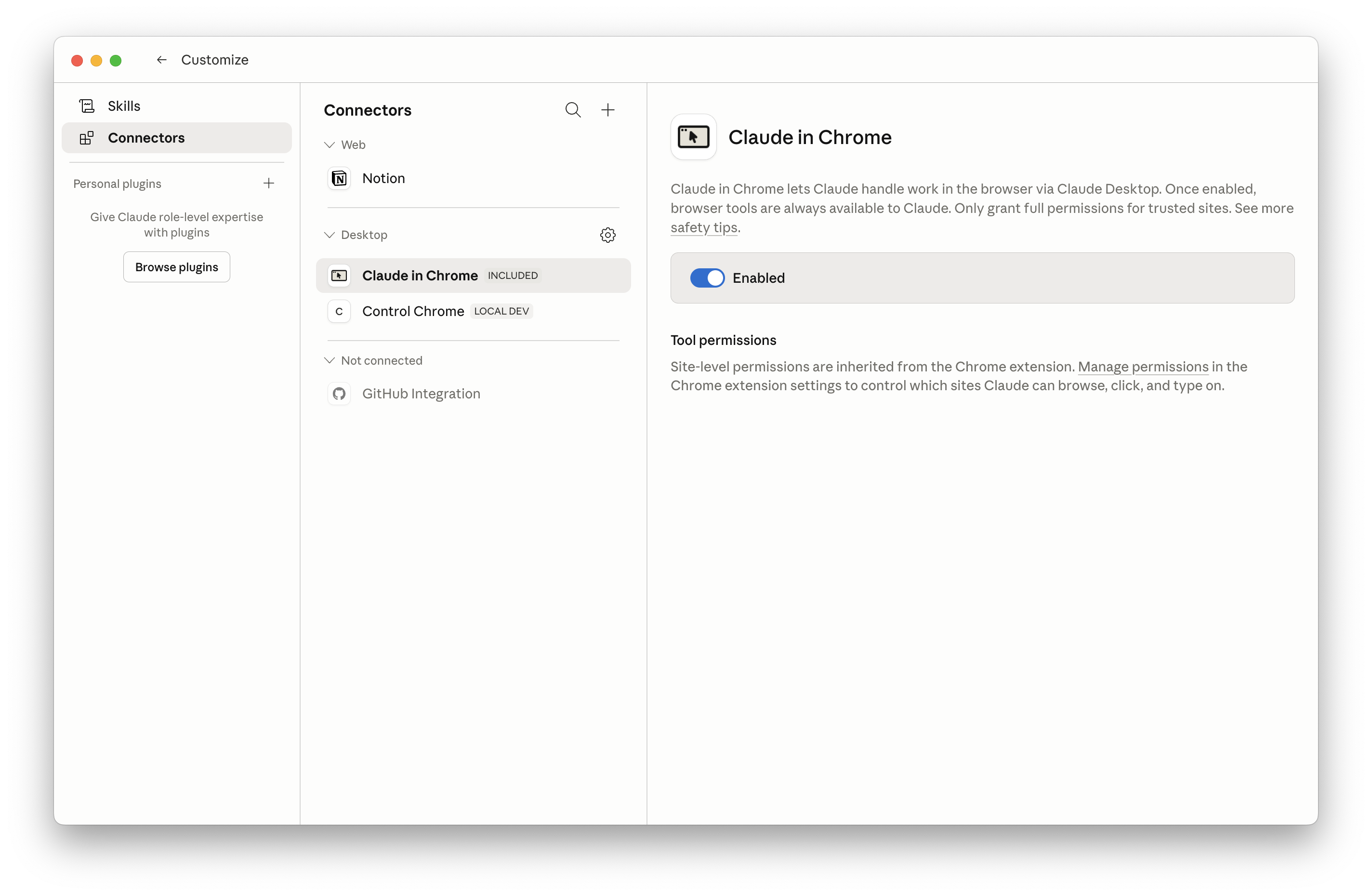
First-class connectors expose Gmail, Calendar, Drive, Notion, Slack, Stripe, HubSpot, GitHub, Linear and more - with granular per-action permissions. Cowork composes them: pull from one, cross-reference with another, write into a third.

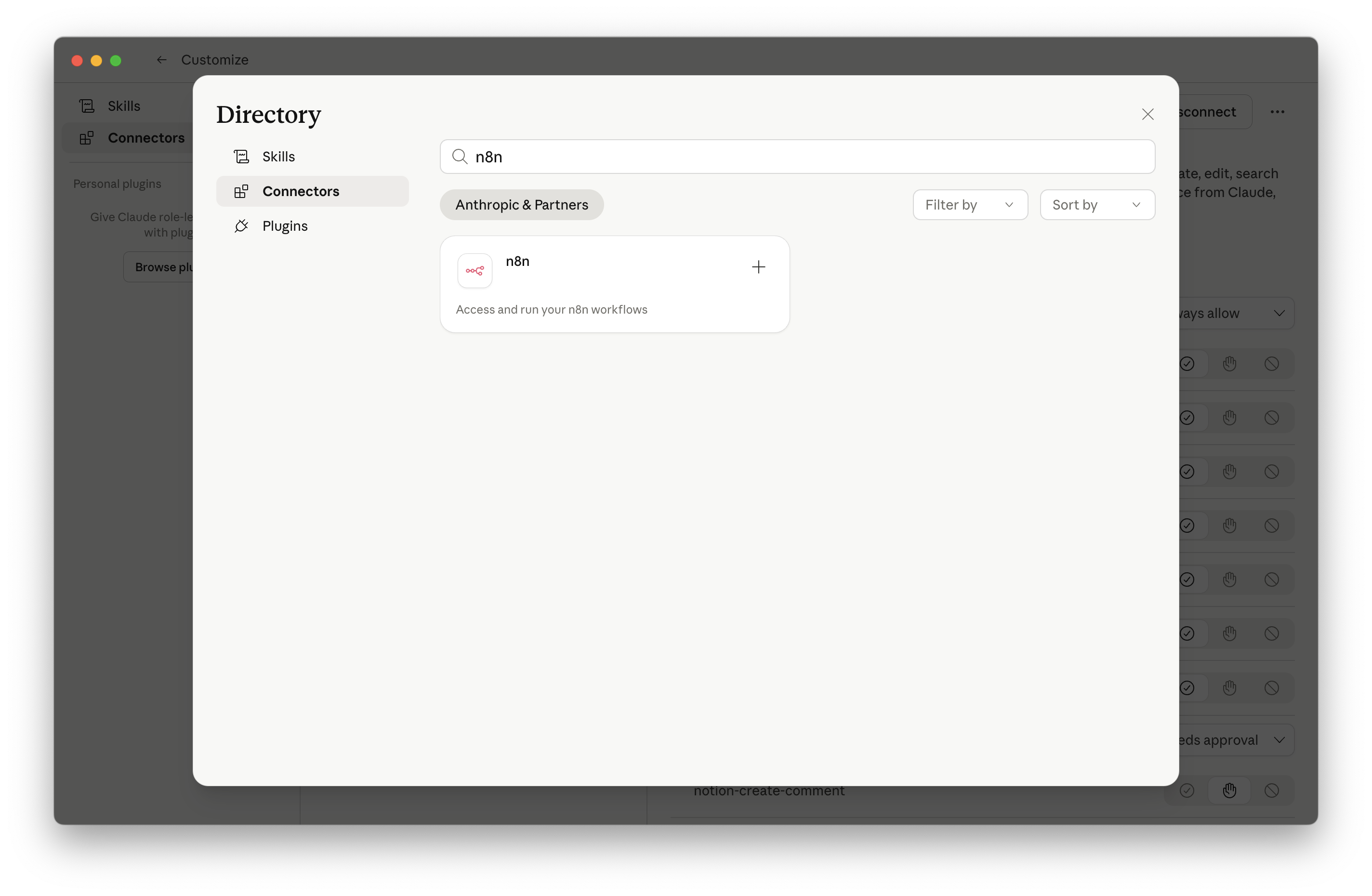
n8n connects 400+ apps and bridges directly into Cowork via MCP.
When the connector you need doesn't exist yet.
Model Context Protocol is the open standard for plugging any system into the agent. Cowork treats MCP tools as first-class - same permissions, same UI.
Internal MCPs
Wrap your data warehouse, ticketing system, or homegrown CRM.
Vendor MCPs
Notion, Browserbase, and dozens of partners ship official servers.
One MCP connection → thousands of apps callable from Cowork.
400+ app workflows
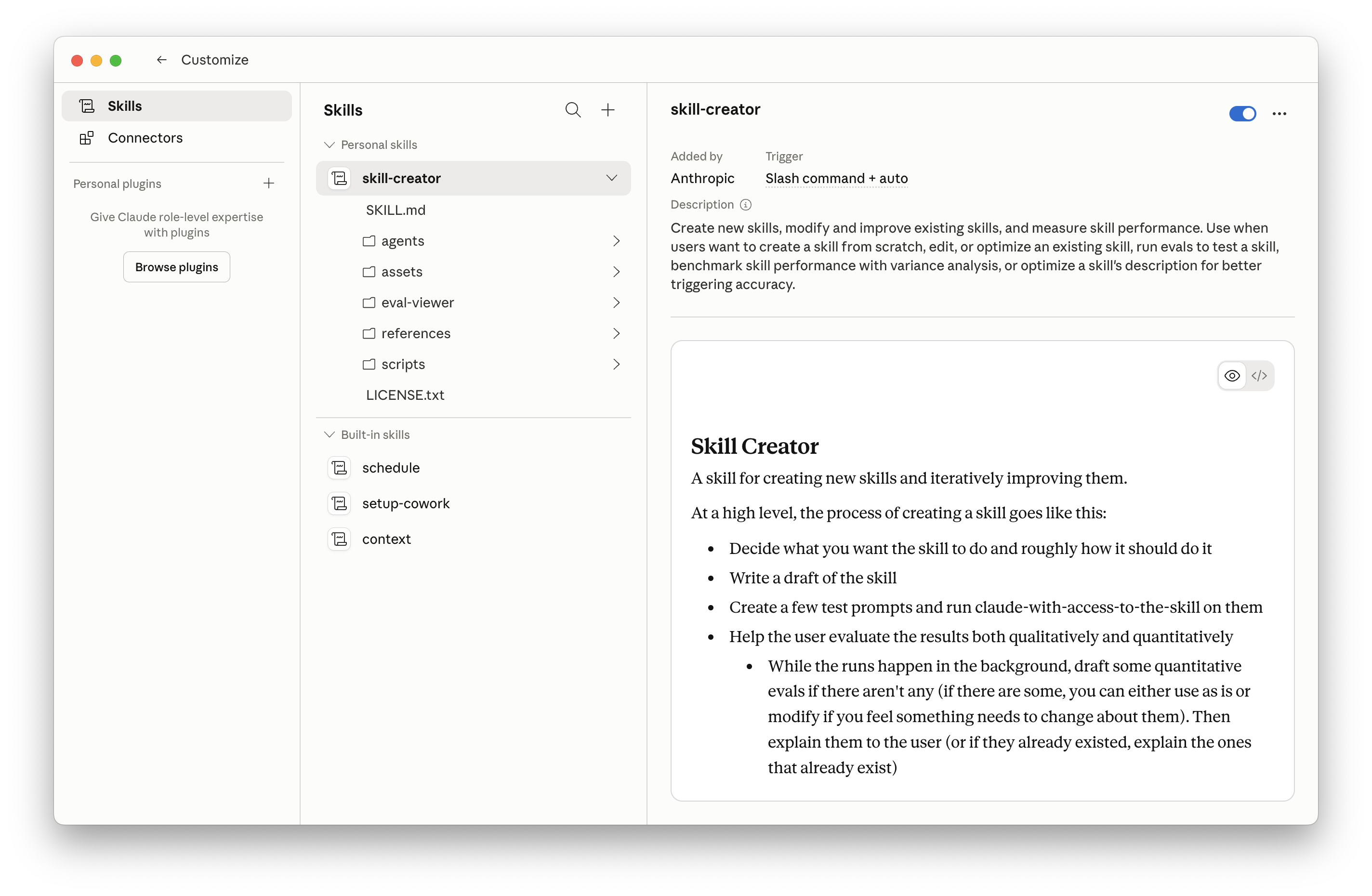
Procedural knowledge, packaged in a folder.
A Skill is a folder with a SKILL.md and (optionally) scripts, templates, and assets.
It teaches Cowork how your organization does a specific thing - close the books, review an NDA,
triage a support ticket - exactly the way you want it done. Skills load on demand to keep the
context window lean.
- Foundational skills: Anthropic-built capabilities (Excel, PowerPoint, PDF, contract review).
- Vendor skills: shipped by partners - Notion deep research, Browserbase Stagehand, etc.
- Org skills: where the moat is. Built by your team, for your team's bespoke workflows.
Reverse-engineer a skill from the workflow you just did.
Best practice: do the workflow once, end-to-end, with feedback and corrections. Then ask Cowork to "turn what we just did into a skill." It interviews you on the edge cases, generates the SKILL.md, and tests against scenarios. The result is a one-click capability your whole team can use.
Don't
- Build skills from scratch in the abstract.
- Skip the test-cases step.
Do
- Run the workflow live first, give corrections.
- Ask Cowork to codify the conversation into a skill.
- Back the skill up to Drive - it doesn't auto-sync across machines.
One keystroke triggers a workflow.
Slash commands are the keyboard shortcut to your skills. Type /morning-briefing and
Cowork loads the skill, pulls inbox + calendar + news, drafts replies, and renders a dashboard.
For ops-heavy roles, slash commands turn a 30-minute morning into a 30-second one.
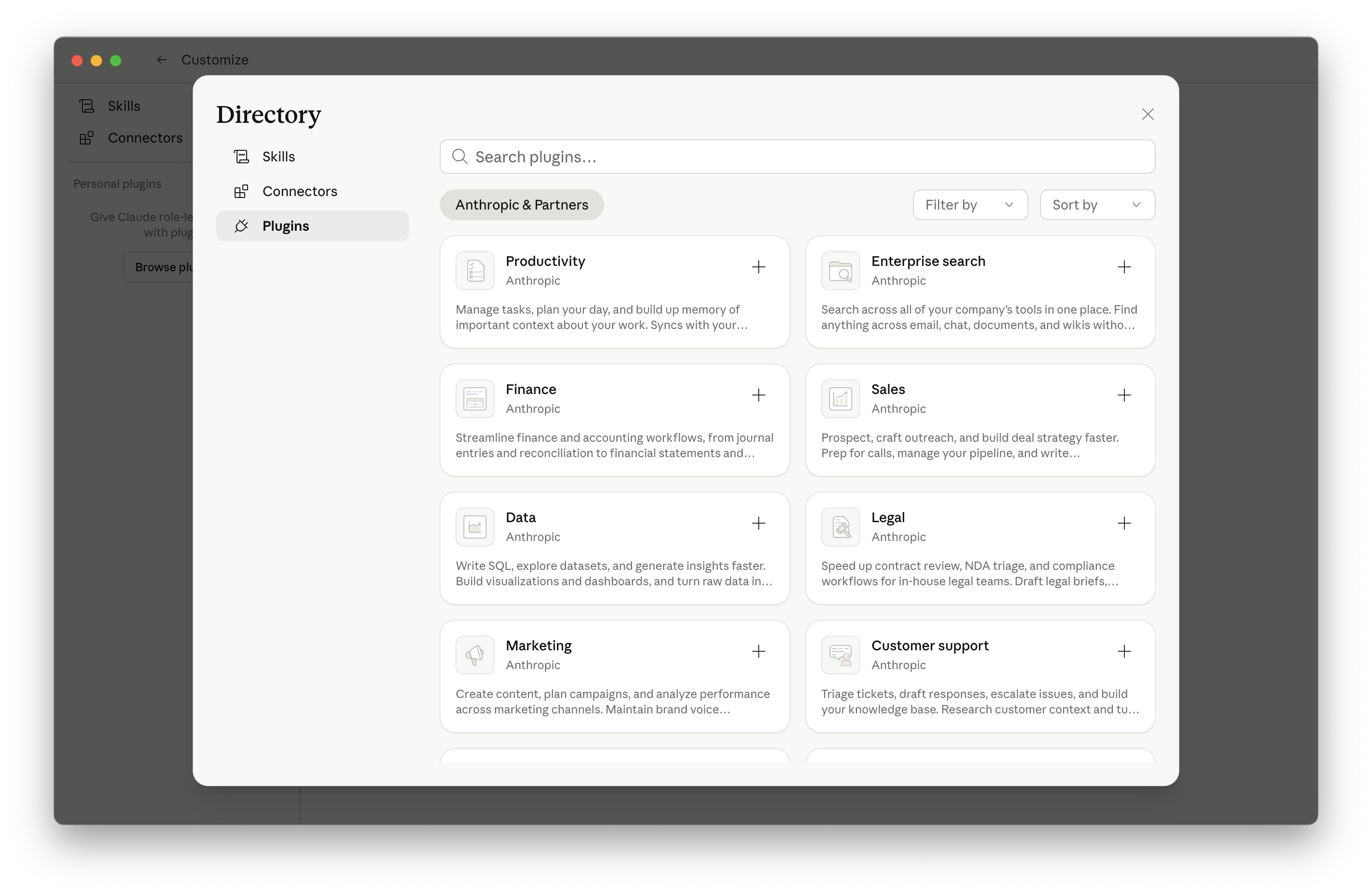
Skills, distributable as a bundle.
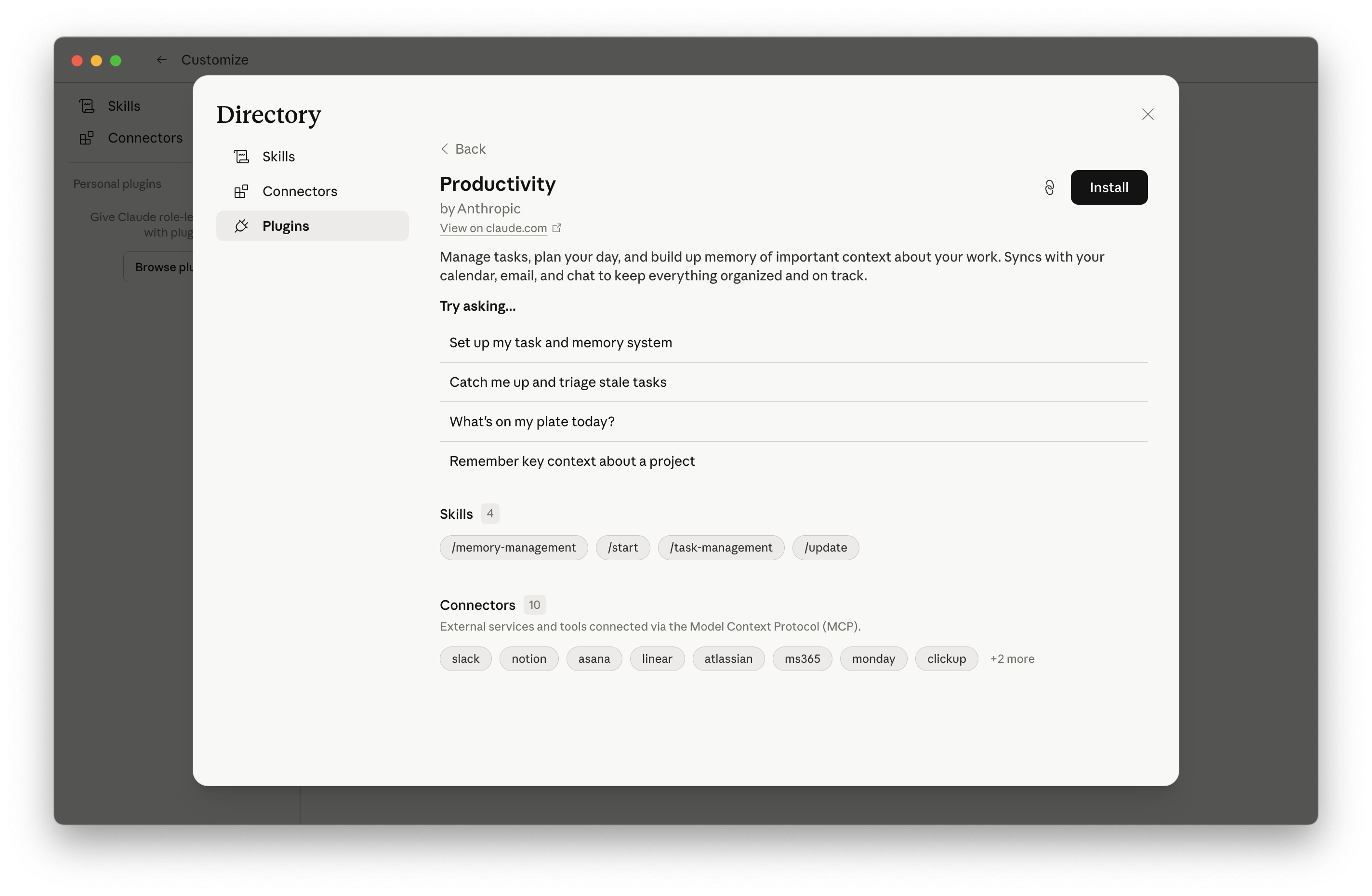
A plugin is a zipped collection of skills (and optionally MCP configs) you install with one click. Anthropic ships first-party plugins for Legal, Marketing, Engineering and more; teams ship their own internally. The Avanai use case: package the full workflow for an entire role, not a single task.
Anthropic plugins
Legal triage, customer support, design, engineering review.
Vendor plugins
From your tooling vendors - Apollo for sales, etc.
Org plugins
"Onboard a new BDR." "Run a Q-end close." "Open a new project office." Whole roles, packaged.
Parallel workers for complex briefs.
For a brief like "prep my investor update," Cowork can fan out: one agent pulls financials, one runs market research, one drafts the narrative, one builds the deck. They run concurrently and their outputs are merged. The user sees one task; under the hood, four ran in parallel.
Researcher
Web + competitive landscape.
Analyst
Pulls data from Stripe / Notion / Sheet.
Writer
Drafts in your tone of voice.
Designer
Renders the slide deck.
When the answer requires real computation.
Cowork can write and run code in a sandboxed environment - Python for data analysis, shell for file ops, Node for web scraping. You don't see the code unless you want to. You see the result.
- Resize 200 images, batch-rename a folder, transform a CSV - these become one-shot operations.
- Real numerical analysis on real data, not summaries of data.
- Sandboxed: code runs in a VM, isolated from your broader system.
When there's no API, there's a browser.
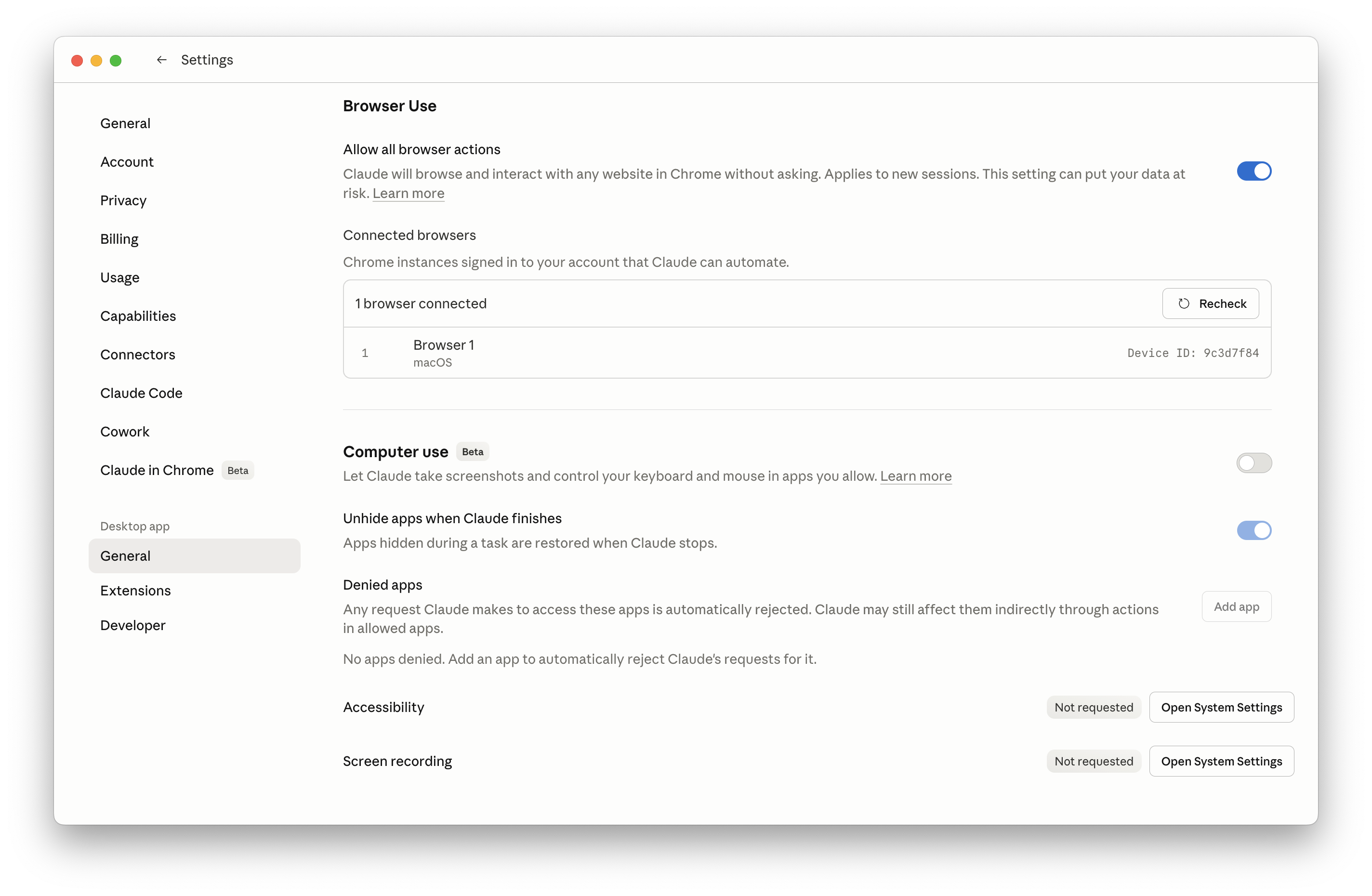
The Chrome extension lets Cowork drive a browser tab - log into legacy portals, scrape an admin panel, fill a vendor form, pull a report no one's bothered to API-ify. Granular permissions per site, with a visible red ring while it's controlling the page.
Use it for
Legacy SaaS without APIs · government & insurance portals · authenticated dashboards · multi-step forms.
Watch out for
Slower than a connector - burns more tokens. Always prefer MCP/connector if one exists.
The full desktop, when you really need it.
Beyond the browser, Cowork can drive native apps - open Cap Cut and import a video, drag a file into iMessage, click through Excel. It's the option of last resort: slowest, most token-hungry, but unblocks anything else.
An employee that works the graveyard shift.
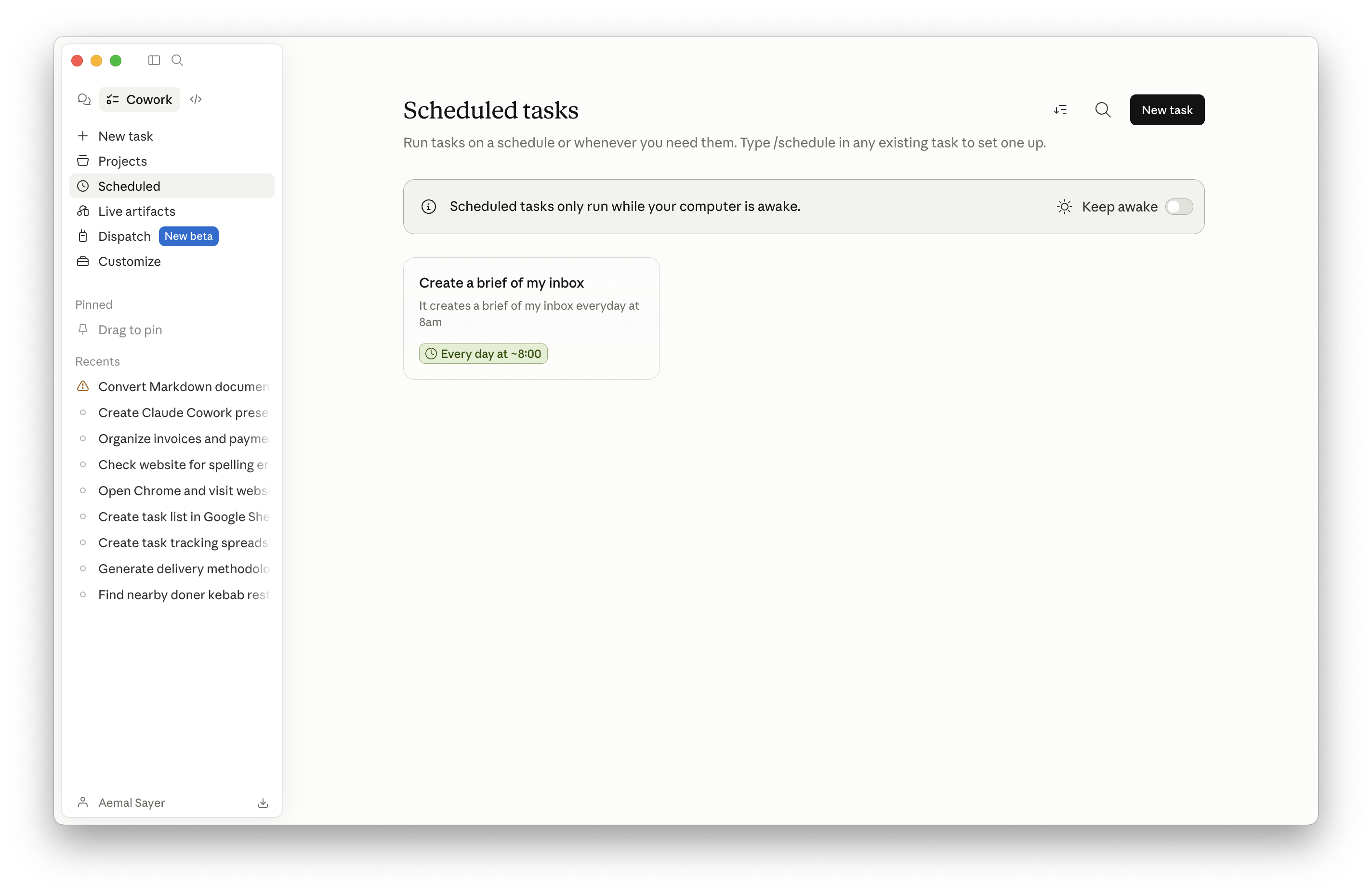
Schedule any prompt - daily, hourly, on a cron-like cadence, or "every weekday at 6 AM." The moment that turns Cowork from "tool" to "teammate." Pair with a connector and a skill, and you have an unattended job that produces a finished artifact before you wake up.
Morning command center
Inbox + calendar + AI news → pinned dashboard at 6 AM.
End-of-day wrap
Cowork tells you what it did while you were in meetings.
Weekly & monthly
Roll-ups, reports, anomaly scans - same day, same time, every week.
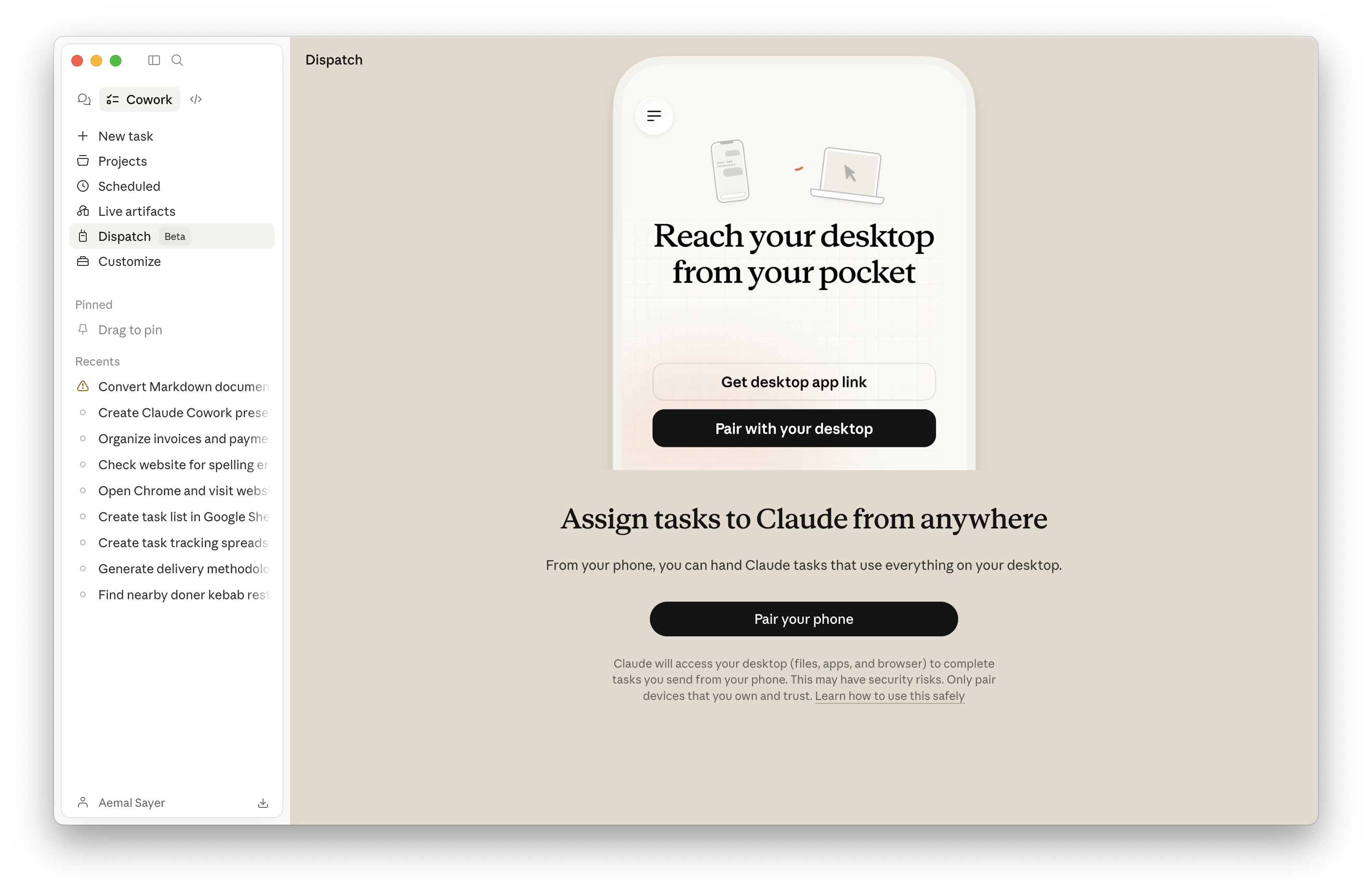
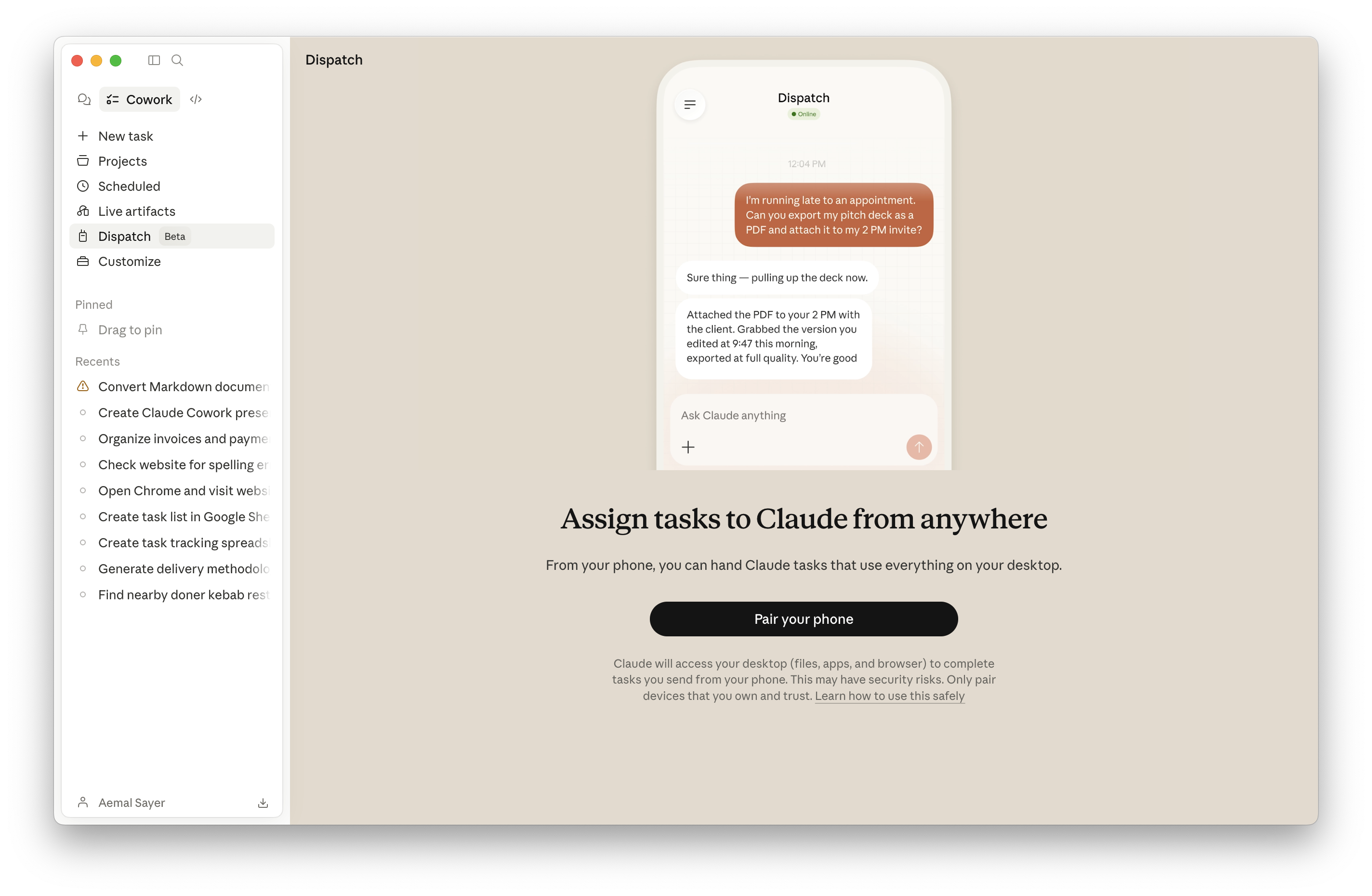
Drive your desktop from your phone.
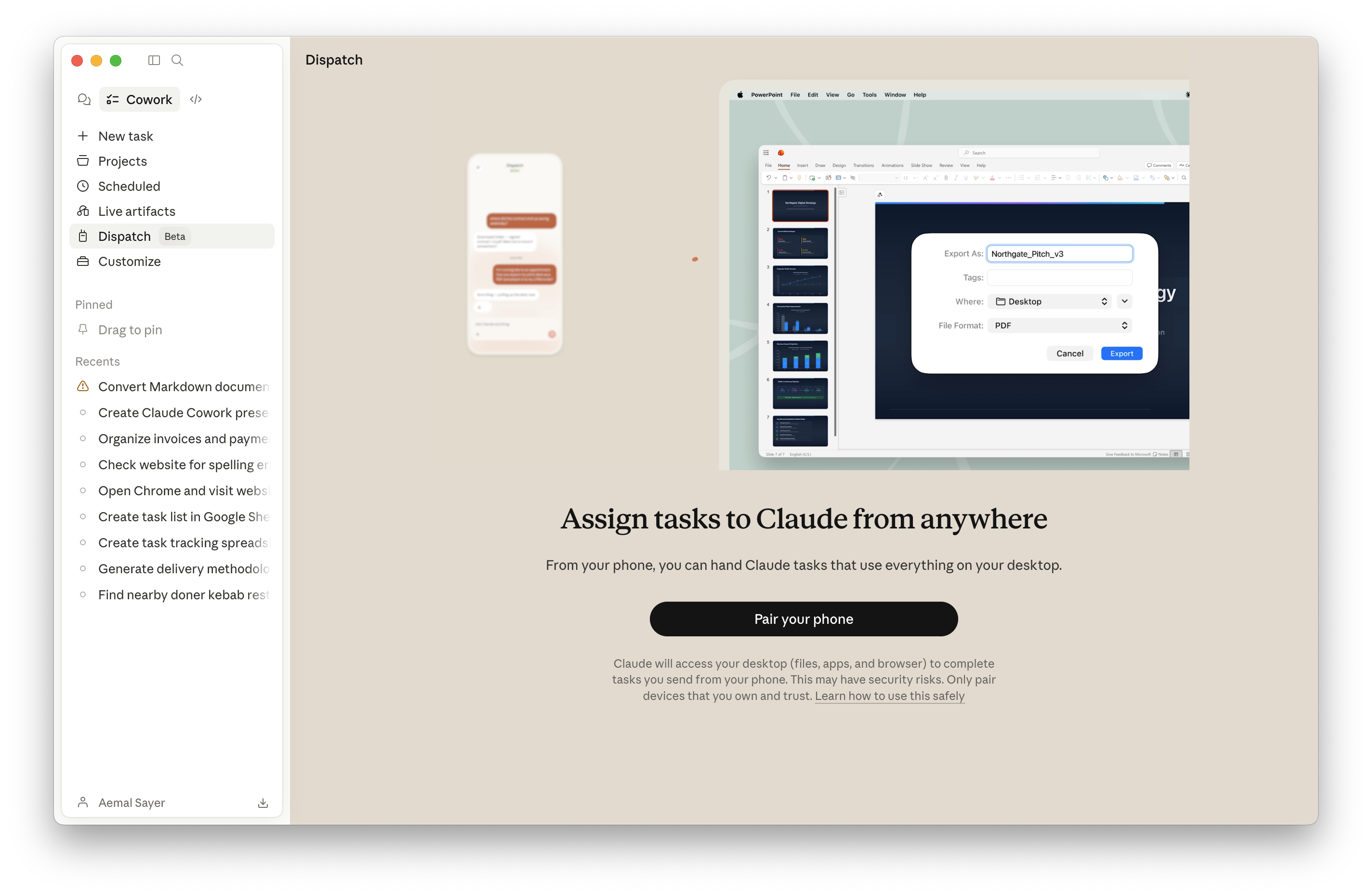
Dispatch links the Claude mobile app to your always-on desktop. From the gym, the commute, or a coffee shop, send a task and Cowork executes it on your real machine - with your files, your connectors, your permissions. Optionally pair with iMessage so a watch tap kicks off a workflow.
Voice-friendly
"Hey Siri, send Frank a message" → kicks off a research run before you're back.
Two-way conversation
If Cowork needs clarification, it asks - you answer from the phone.
Always-on Mac pattern
Many heavy users keep a Mac mini awake for unattended runs.
A teammate that asks before it does anything dangerous.
Folder sandboxing
It only sees folders you mount. Drag-drops from outside don't grant access.
Deletion protection
Destructive ops require explicit confirmation. Globals can require it for moves & renames too.
Reverse elicitation
When uncertain, Cowork asks - instead of guessing. Trained behavior, not a setting.
Alignment work
Mechanistic interpretability + adversarial training to harden against prompt injection.
Drafts, not sends
Default behavior for email is "draft for review." You stay the approver.
Per-action permissions
Allow once, allow always, deny - at the level of individual connector actions.
A second-brain layout that scales.
Most heavy users converge on the same structure inside their workspace folder. Building this once gives Cowork a stable mental model for everything you do.
10 Enterprise Use Cases
From the morning command center to autonomous compliance - workflows real teams ship today.
The Morning Command Center.
A scheduled task runs at 6 AM: pulls every overnight email, scans the calendar, scrapes three industry sources, and drafts replies for the inbox-zero pile. The exec opens a single live-artifact dashboard with their day already triaged. Replaces the first 60 minutes of every workday.
Workflow
Scheduled · 6:00 AMReceipts → Categorized Expense Report.
Drop the month's receipts (PDFs and JPEGs) into a folder. Cowork OCRs every one, normalizes vendor names, classifies into your chart of accounts, flags anything below the audit threshold, and writes a finalized XLSX with a totals row and an exception sheet. Pair with a Stripe / Mercury connector and you have continuous reconciliation, not month-end panic.
Workflow
Skill · receipt-scannerThe 300-Word Weekly Leadership Update.
Friday at 4 PM, Cowork ingests three (or thirteen) team updates in incompatible formats - one in Notion, one in Google Doc, one as a Slack thread - extracts metrics, reconciles them to the OKRs in a tracking sheet, and produces a 300-word leadership PDF with three highlights, three lowlights, and the top-line numbers. Sent for review by 4:30.
Workflow
Scheduled · weeklyA Live Revenue Dashboard, Wired to Stripe.
A Live Artifact pinned in the sidebar. Each open pulls real-time Stripe data - MRR, ARR, active subs, average payment, revenue concentration. Layered with an outstanding-invoice tracker the team edits in-place. Replaces three separate dashboards and the "wait, what's the number?" Slack thread.
Workflow
Live ArtifactNDA & Contract Red-Flag Review.
Drop a contract PDF. Cowork loads the legal plugin, runs the contract-review skill, and returns: a one-page summary, key terms in plain English, red flags (clauses that hurt you), yellow flags (worth negotiating), missing standard terms, a sign / don't-sign verdict, and a marked-up redline. In-house counsel reviews; doesn't draft from scratch.
Workflow
Plugin · LegalA Competitive Intelligence Tracker That Maintains Itself.
Daily scheduled run + Apify (or browser) for sources without APIs. Cowork monitors named competitors' release notes, pricing pages, blog, LinkedIn, and YouTube uploads. Diffs them against the prior snapshot. Surfaces only what changed, with a one-line "so what" and a recommended response action. Renders as a Live Artifact your CMO opens daily.
Workflow
Scheduled · dailyTier-1 Support Triage on Autopilot.
Inbound tickets land in Zendesk. Cowork classifies, attaches the relevant runbook from your internal wiki, drafts the first response in your brand voice, and either routes to a human (with everything pre-loaded) or - for the well-known answer types - replies and closes. Pairs with a customized customer-support plugin per product line.
Workflow
Plugin · customer-supportBoard-Ready Decks From a One-Line Brief.
"Prep next week's board update." Cowork fans out four sub-agents in parallel: one pulls the quarterly financials from the data warehouse, one runs market-comp research on the web, one drafts the narrative in the CEO's tone (loaded from past memos), one renders the deck in the brand template. The CEO reviews, redlines once, ships.
Workflow
Sub-agents · parallelA Self-Maintaining Institutional Wiki.
Every meeting transcript, every PRD, every customer call gets ingested into a folder. Cowork extracts entities, builds an index, and links them - Karpathy-style. New hires query in plain English: "what do we know about Account X?" - Cowork follows the links and answers with citations. One reported team dropped query token usage by 95% switching from RAG to this pattern.
Workflow
Skill · wiki-ingestorFirst-Draft RFP Responses in an Afternoon.
Drop the RFP PDF and the prospect's RFI. Cowork retrieves the matching answers from the answer-bank wiki (security questionnaire, SOC 2, prior wins), drafts the response in the company's voice, flags the gaps that need a human SME, and produces a final Word document in the brand template. Bid desks reclaim the days that used to be copy-paste.
Workflow
Project + skill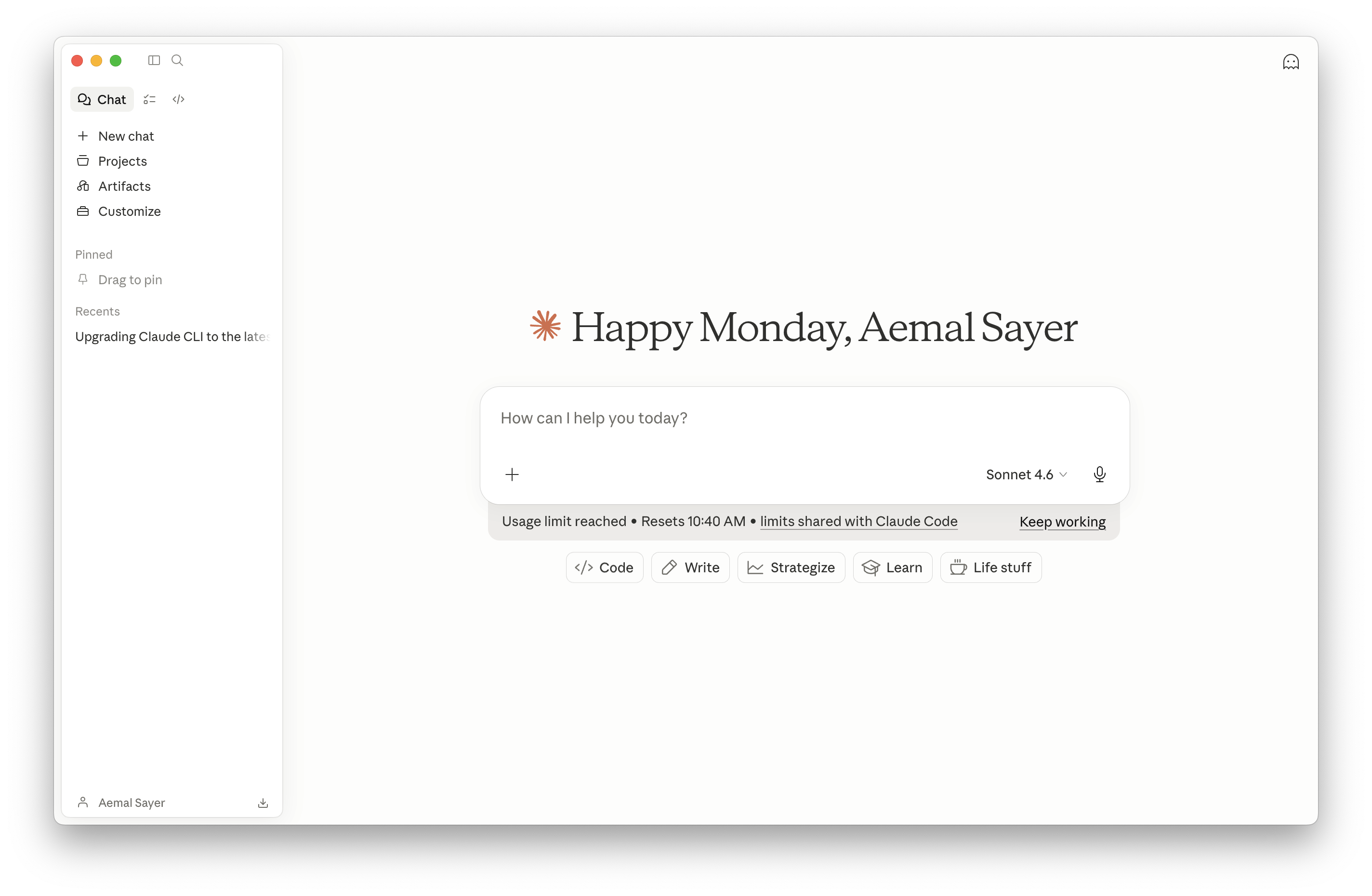
The Bigger Picture
Why Cowork compounds and how to roll it out without breaking anything.
Cowork on day 30 is dramatically better than Cowork on day 1.
Every correction lands in memory.md. Every workflow can become a skill. Every skill
can become part of a plugin. Every plugin shipped to a teammate makes the next teammate faster.
This is not a tool you install - it's a system you build, and it gets better the more you use it.
Day 1
Generic agent. Same as anyone else's.
Day 30
Knows your tone, your folders, your tools, your edge cases.
Day 90
Drives entire roles. Onboards new hires in hours, not weeks.
What the heaviest users do differently.
Set up the foundation once
Global instructions. About-Me folder. Project per workstream. CLAUDE.md + memory.md per project. The 30 minutes you spend here pay back forever.
Prefer connectors → MCP → browser → computer use
Each step down is slower and more expensive. Always start with the cleanest interface available.
Reverse-engineer skills from real workflows
Run the workflow live with feedback. Then ask Cowork to codify it. Don't write skills in the abstract.
Plan first, then auto-accept
Get the plan good. Switch to auto-accept. Run multiple Cowork sessions in parallel - that's where the multiplier lives.
Always-on machine for scheduled tasks
A Mac mini on the desk turns Cowork from "tool" into "employee." Pair with Dispatch from your phone.
Drafts, not sends
Default Cowork to drafting outbound. You stay the approver. Trust grows; permissions widen on your timeline.
We design the systems that turn Cowork into a teammate.
The model is given. The connectors are given. What's not given is the institutional knowledge - the skills, plugins, folder patterns, and scheduled jobs that make a generic agent into your agent. That's the work. That's where Avanai operates.
Let's build it.
Questions, demos, or a Cowork pilot for your team - avanai.io
Press Home to restart · F for fullscreen · ? for shortcuts